What Is a Cyrillic Keyboard? A cyrillic keyboard is a keyboard used to type letters from the Cyrillic alphabet. The Cyrillic alphabet is used in several languages. It appears in Russian, Ukrainian, Bulgarian, and other languages. A cyrillic keyboard looks similar to an English keyboard at first glance. The shape of the keys is the same. The size is the same. The difference is in the letters printed on the keys. Instead of A, B, C only, the keys show letters like А, Б, В. Some keyboards show both English letters and Cyrillic letters on the same key. This helps learners switch between alphabets easily. Learning about a cyrillic keyboard supports language awareness and global understanding. Where Is the Cyrillic Alphabet Used? The Cyrillic alphabet is used in many countries. It is used in Russia. It is used in Ukraine. It is used in Bulgaria. It is also used in Serbia and several Central Asian countries. A cyrillic keyboard allows typing in these languages on computers, tablets, and phones. When studying world languages, understanding different writing systems becomes important. The cyrillic keyboard is one example of how writing systems shape technology. How Does a Cyrillic Keyboard Look? A cyrillic keyboard has rows of keys just like a standard QWERTY keyboard. There are letter keys. There are number keys. There are punctuation keys. The layout may look different from the English QWERTY layout. For example: The English letter R is not in the same place as the Cyrillic letter Р. Some letters look familiar but sound different. The Cyrillic letter В looks like English B. However, it makes a sound like English V. The Cyrillic letter Н looks like English H. However, it sounds like English N. Because of these differences, careful attention to sound and symbol is important when using a cyrillic keyboard. Vocabulary Related to Cyrillic Keyboard Understanding key words makes learning easier. Cyrillic means relating to the Cyrillic alphabet. Keyboard is a device used to type letters and symbols. Alphabet is a system of letters used for writing. Layout means the arrangement of keys on a keyboard. Typing means pressing keys to create words on a screen. Language means a system used for communication. Letter means a symbol representing a sound. Symbol means a sign that stands for something. Screen means the display of a computer or device. Short practice sentences build familiarity. The cyrillic keyboard has many letters. The layout is different. The alphabet has unique symbols. Typing practice improves speed. Repeating vocabulary in context supports memory and recognition. Sounds and Phonics on a Cyrillic Keyboard A cyrillic keyboard supports phonics learning in languages that use the Cyrillic alphabet. Each letter represents a sound. Some sounds are similar to English. Some sounds are different. The letter М sounds like M in English. The letter К sounds like K. The letter Д sounds like D. Some letters represent sounds not found in English. This introduces new phonetic awareness. When learners see the letter and press the key, sound recognition becomes stronger. Typing the same letter many times supports visual memory and sound memory together. Phonological awareness grows through repetition and guided practice. Comparing Cyrillic Keyboard and English Keyboard A helpful teaching strategy is comparison. The English keyboard uses the Latin alphabet. The cyrillic keyboard uses the Cyrillic alphabet. Some letters look the same. Some letters look different. Some letters look the same but sound different. Visual comparison charts help understanding. For example: English A and Cyrillic А look the same and sound similar. English P and Cyrillic Р look similar but sound different. English C and Cyrillic С look similar and sometimes sound similar. Noticing patterns builds analytical thinking and attention to detail. Language learning becomes an exploration of patterns and symbols. Grammar Awareness Through Cyrillic Typing Typing on a cyrillic keyboard supports grammar development in languages that use it. Capital letters appear at the beginning of sentences. Punctuation marks appear at the end of questions and statements. Spacing between words follows the same principle as English typing. Practicing full sentences supports sentence structure awareness. Short model sentences can be typed for practice. Мама дома. Это книга. These short examples support reading and typing skills at the same time. Sentence building activities strengthen grammar understanding naturally. Learning Activities with a Cyrillic Keyboard Interactive activities deepen understanding. Keyboard Letter Hunt A teacher calls out a letter sound. Learners find the matching letter on the cyrillic keyboard. This activity builds speed and letter recognition. Copy and Type Practice Short words are displayed on the board. Learners type the same words. Accuracy improves through repetition. Sound and Press Game A sound is spoken aloud. The correct key is pressed. Listening and motor skills develop together. Alphabet Order Challenge The Cyrillic alphabet is displayed in order. Learners type the letters in sequence. This strengthens memorization of letter order. Active participation increases engagement and confidence. Printable Materials for Cyrillic Keyboard Practice Printable charts support visual learning. Alphabet charts show all Cyrillic letters. Keyboard layout posters display key positions. Tracing sheets help practice letter shapes by hand. Matching worksheets connect printed letters with keyboard keys. Regular review supports long-term retention. Structured materials create consistent learning routines. Educational Games Using a Cyrillic Keyboard Games make learning joyful. Typing Race Simple words are shown. Learners type as accurately as possible. Focus stays on accuracy first, then speed. Memory Match Printed letters are matched with keyboard positions. Visual memory becomes stronger. Word Builder Game Individual letters are typed to form short words. Sound blending skills improve. Movement, competition, and teamwork create a lively classroom atmosphere. Daily Life Connections of a Cyrillic Keyboard Technology connects language to daily life. Phones allow switching to a cyrillic keyboard. Computers support multiple language layouts. Text messages can be written in different alphabets. Understanding how to change keyboard settings builds digital literacy. Digital skills are part of modern education. A cyrillic keyboard connects language study with real-world technology. Classroom Language Practice with a Cyrillic Keyboard Short structured practice supports speaking and reading. This is a keyboard. This letter is А. This letter makes a sound. Question patterns support interaction. What letter is this? Where is the letter М? How is this word typed? Guided practice builds confidence step by step. Clear modeling supports correct habits. Extending Learning Beyond the Keyboard Learning does not stop at typing. Cultural exploration deepens interest. The Cyrillic alphabet is traditionally linked to Saint Cyril and Saint Methodius. These historical figures helped spread literacy in Eastern Europe. Understanding history adds meaning to the use of a cyrillic keyboard. Geography lessons can include countries such as Russia and Bulgaria. Maps and globes make connections visual and concrete. Art projects can include decorating Cyrillic letters. Creative tasks support emotional engagement with language. Building Confidence with a Cyrillic Keyboard Learning a new alphabet can feel challenging. Step-by-step practice reduces anxiety. Short sessions work best. Clear goals support motivation. Accuracy is more important than speed in early stages. Positive feedback builds confidence. Success with small tasks leads to larger achievements. Typing a full sentence in a new alphabet creates a strong sense of progress. Supporting Multilingual Awareness A cyrillic keyboard introduces the idea that English is not the only writing system. Different languages use different alphabets. Some languages use Latin letters. Some languages use Cyrillic letters. Respect for different scripts builds global awareness. Language diversity becomes something exciting and valuable. Early exposure to multiple alphabets strengthens cognitive flexibility. Pattern recognition skills improve. Memory skills improve. Attention to detail improves. Teaching Tips for Introducing a Cyrillic Keyboard Begin with letter recognition. Move to sound association. Introduce keyboard layout slowly. Focus on a few letters each session. Review previous letters often. Use visuals and gestures to support memory. Combine typing with speaking practice. Balance digital and paper activities. Consistency leads to steady improvement. Mini Practice Text Using Cyrillic Keyboard Vocabulary This is a cyrillic keyboard. The alphabet has many letters. Each letter makes a sound. Typing practice builds skill. Language learning becomes exciting. Digital tools support communication. Short structured texts build fluency and confidence. A cyrillic keyboard becomes familiar through daily guided practice. Language, sound, symbol, and technology connect in meaningful ways. Step by step, new alphabets become comfortable and enjoyable parts of language learning.
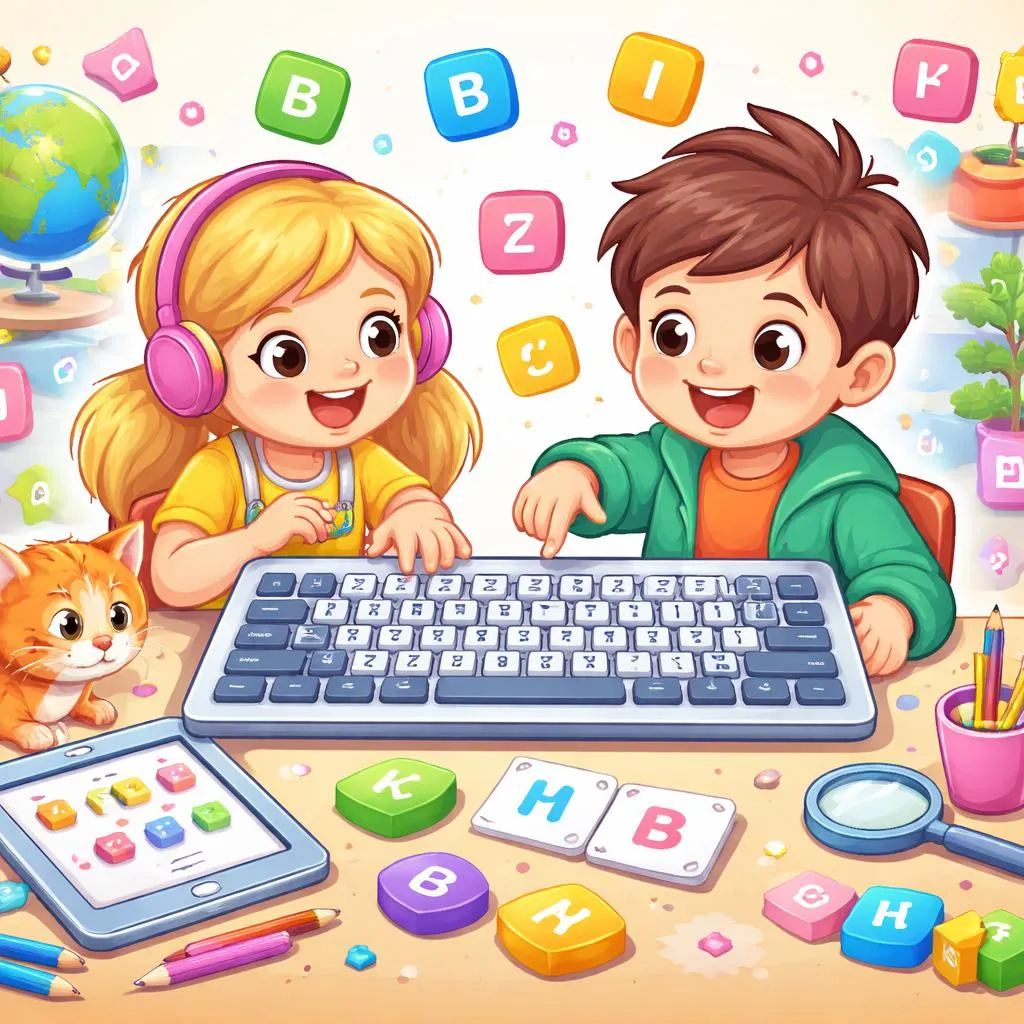
What Is a Cyrillic Keyboard? Meaning, Layout, Vocabulary, and Easy Learning Activities for Kids
