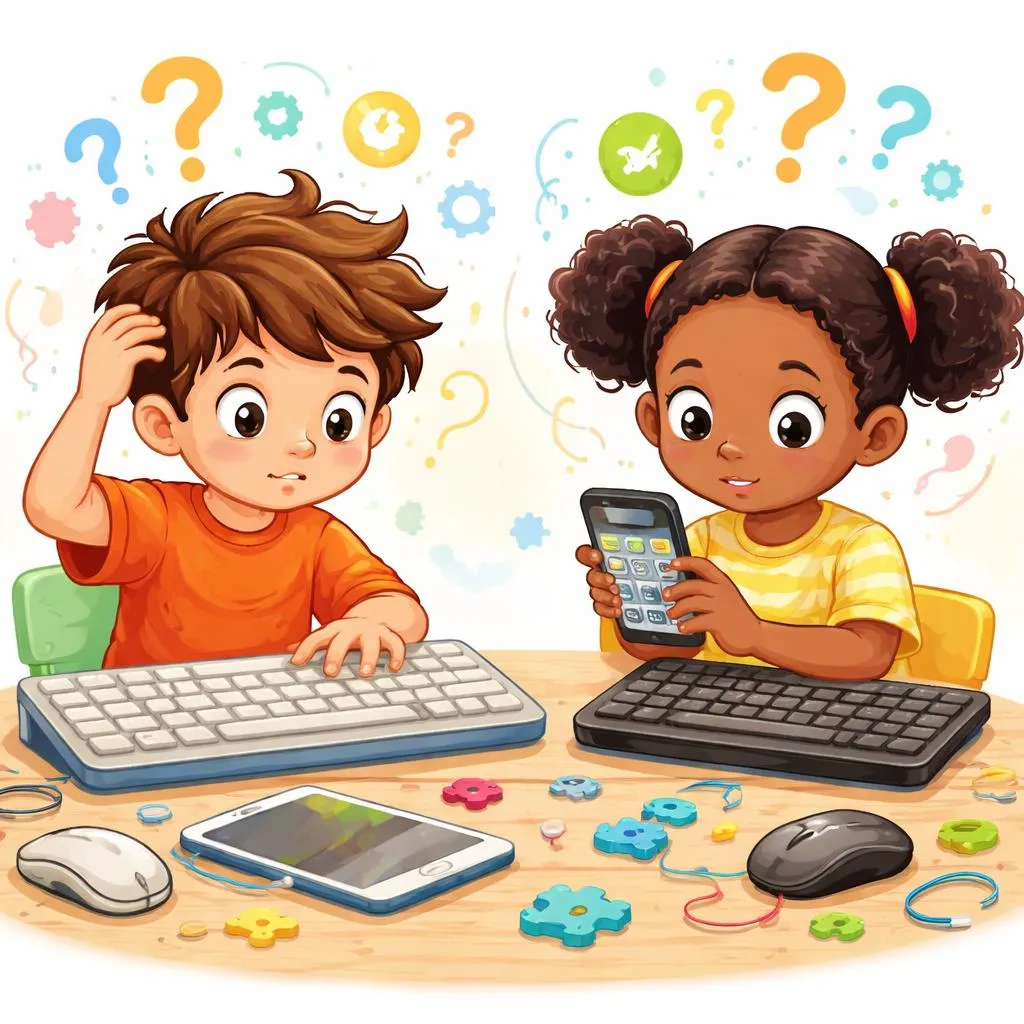

Children use technology every day. They type homework on laptops, unlock tablets with number pads, and press buttons on calculators. Because of this, words like “keyboard” and “keypad” appear often in daily English.
These two words look very similar. Both contain the word “key.” Both involve pressing buttons. Many young learners think they mean exactly the same thing.
Still, English speakers use them in different ways. Understanding the difference helps children describe technology more clearly. It also improves speaking, reading, and listening skills in real-life situations.
What Do These Expressions Mean?
The keyword pair “keyboard to, keypad to” includes two technology words connected to buttons and typing.
A “keyboard” is a large set of keys used for typing letters, words, and symbols. Computers and laptops usually have keyboards.
A “keypad” is a smaller group of keys. It often contains numbers or simple controls.
Children can think about it like this:
A keyboard helps people type many kinds of information.
A keypad helps people enter simple commands or numbers.
These words seem similar because both use keys that people press with their fingers.
For example:
computer keyboard
phone keypad
Both help people control devices, but they work in different ways.
What’s the Difference?
The biggest difference is size and purpose.
A keyboard is larger and more complete. It includes:
letters
numbers
symbols
function keys
People use keyboards for writing emails, homework, stories, and messages.
A keypad is smaller and simpler. It usually includes:
numbers
a few symbols
simple buttons
People use keypads for quick actions.
For example:
entering a password
typing a phone number
opening a locked door
One is more complex, while the other is more limited.
Another difference is usage.
“Keyboard” connects strongly to computers and typing.
“Keypad” connects more to numbers and controls.
For example:
laptop keyboard
calculator keypad
Children should also notice that “keyboard” sounds more common in school life because students type often.
“Keypad” appears more in technology instructions or devices with number buttons.
When Do We Use Each One?
Children use “keyboard” when talking about typing devices.
At school:
“My keyboard is noisy.”
“I typed my homework on the keyboard.”
At home:
“The computer keyboard needs cleaning.”
“I spilled juice near the keyboard.”
With friends:
“Your gaming keyboard looks cool.”
“The keyboard lights change colors.”
“Keypad” appears in different situations.
At school:
“The calculator keypad has tiny buttons.”
“Press the keypad carefully.”
At home:
“The door keypad needs a code.”
“I used the keypad to call Grandma.”
In public places:
“The elevator keypad showed the floor numbers.”
“The ATM keypad felt smooth.”
These examples show how English uses the words naturally.
Why Do These Words Feel Similar?
Children often feel confused because both objects contain keys.
A keyboard has many keys.
A keypad also has keys.
The names even look alike.
Another reason is that some devices include both.
For example, many computer keyboards have:
a main typing area
a number keypad on the side
This makes learners think the words are interchangeable.
Still, English speakers usually separate the meanings.
A keyboard handles full typing.
A keypad handles simpler input.
Understanding this pattern helps children choose the correct word more confidently.
Example Sentences for Kids
Sentences Using “Keyboard”
My keyboard has colorful lights.
I typed my story on the keyboard.
The keyboard made loud clicking sounds.
Dad bought a new wireless keyboard.
I cleaned crumbs from the keyboard.
Her keyboard feels soft and quiet.
Sentences Using “Keypad”
The keypad opened the front gate.
I pressed the keypad to call Mom.
The calculator keypad is very small.
The hotel room used a keypad lock.
He entered the code on the keypad.
The keypad buttons glowed at night.
These examples help children hear common English patterns.
Keyboard in Everyday Technology Vocabulary
Modern English uses “keyboard” in many common expressions.
Children may hear:
gaming keyboard
wireless keyboard
keyboard shortcut
keyboard typing
Schools use the word often because students type assignments and search online.
Gamers also talk about keyboards frequently:
mechanical keyboard
RGB keyboard
compact keyboard
Because computers are common in daily life, “keyboard” feels familiar to many learners.
Children also see keyboards on:
tablets
laptops
desktop computers
smart TVs
This repeated exposure makes the word easy to remember.
Keypad in Everyday Technology Vocabulary
“Keypad” appears more often on devices with simple controls.
Children may see:
ATM keypad
security keypad
phone keypad
calculator keypad
Many keypads contain mostly numbers.
Some keypads also help with security.
For example:
alarm keypad
door keypad
This gives the word a slightly technical feeling.
A keypad often supports one task instead of many tasks.
For example:
entering a code
dialing a number
choosing an option
This narrower purpose separates it from a keyboard.
Common Mistakes to Avoid
Children sometimes use these words incorrectly. Small corrections can improve natural English quickly.
Incorrect:
“I typed my essay on the keypad.”
Correct:
“I typed my essay on the keyboard.”
Why?
A keyboard is used for full typing.
Incorrect:
“The keyboard on the ATM stopped working.”
Correct:
“The keypad on the ATM stopped working.”
Why?
ATMs use small number-button systems, not full typing keyboards.
Incorrect:
“My calculator keyboard is broken.”
Correct:
“My calculator keypad is broken.”
Why?
Calculators usually have keypads because they use limited buttons.
Another common mistake happens with phone vocabulary.
Older mobile phones often had keypads.
Modern smartphones mostly use touch keyboards.
For example:
“I used the phone keypad to dial.”
“I used the phone keyboard to type a message.”
Both can appear on the same device, but they describe different functions.
Easy Memory Tips
A simple memory trick can help children remember the difference.
Think about typing.
Keyboard = many keys for typing words
Keypad = small keys for numbers or codes
Another easy trick:
Keyboard is bigger.
Keypad is smaller.
Children can also imagine this:
A student writes an essay with a keyboard.
A person opens a door with a keypad.
This mental picture makes the meanings easier to remember.
Real-Life Situations Children Understand
Imagine a child in computer class.
The teacher says:
“Place your hands on the keyboard.”
Students prepare to type sentences.
Now imagine the child at home.
The child enters a secret code to unlock the gate.
The parent says:
“Use the keypad carefully.”
The action is shorter and simpler.
Here is another example.
A child plays a game on a laptop:
“My keyboard controls the game.”
Then the child uses a calculator:
“The keypad has tiny buttons.”
The device purpose changes, so the vocabulary changes too.
How Technology Changes These Words
Technology continues to shape English vocabulary.
Some devices now use touch screens instead of physical keys.
Still, the words remain important.
Children may hear:
virtual keyboard
digital keypad
touchscreen keyboard
Apps also use these words:
keyboard settings
keypad lock
Even without physical buttons, English still keeps the original names.
This helps learners understand modern technology conversations more easily.
Why Learning Small Differences Matters
Some learners wonder why these details matter.
The answer is simple.
Small vocabulary differences help children:
sound more natural
understand instructions
improve reading skills
speak with confidence
Technology words appear everywhere today.
Children read them in:
games
school apps
websites
videos
device settings
Knowing the correct word makes communication smoother.
Quick Practice Time
Exercise 1: Choose the Correct Word
I typed my homework on the _____.
a) keypad
b) keyboard
The ATM _____ stopped working.
a) keyboard
b) keypad
My gaming _____ lights up at night.
a) keyboard
b) keypad
Answers:
b
b
a
Exercise 2: Fill in the Blank
The calculator __________ has small buttons.
I cleaned my computer __________ yesterday.
Dad entered the code on the door __________.
Answers:
keypad
keyboard
keypad
These short activities help children remember the natural usage pattern.
Which Word Sounds More Natural in Daily English?
“Keyboard” appears more often in school conversations because children type frequently.
Students usually say:
computer keyboard
laptop keyboard
gaming keyboard
“Keypad” appears more often in devices with limited controls.
People usually say:
keypad lock
ATM keypad
calculator keypad
Native speakers follow these patterns naturally.
Children do not need to memorize complicated rules. They only need enough practice to notice which devices use each word more often.
How Parents Can Help Children Practice
Parents can use everyday technology for vocabulary learning.
At home, they can ask:
“Is the keyboard clean?”
“Can you press the keypad buttons?”
Children learn faster when they connect words to real objects.
Families can also compare devices together:
“Which one has a keyboard?”
“Which one uses a keypad?”
These small conversations make English feel practical and natural.
Wrap-up
A keyboard usually helps people type full words and sentences, while a keypad usually helps people enter numbers or simple commands.