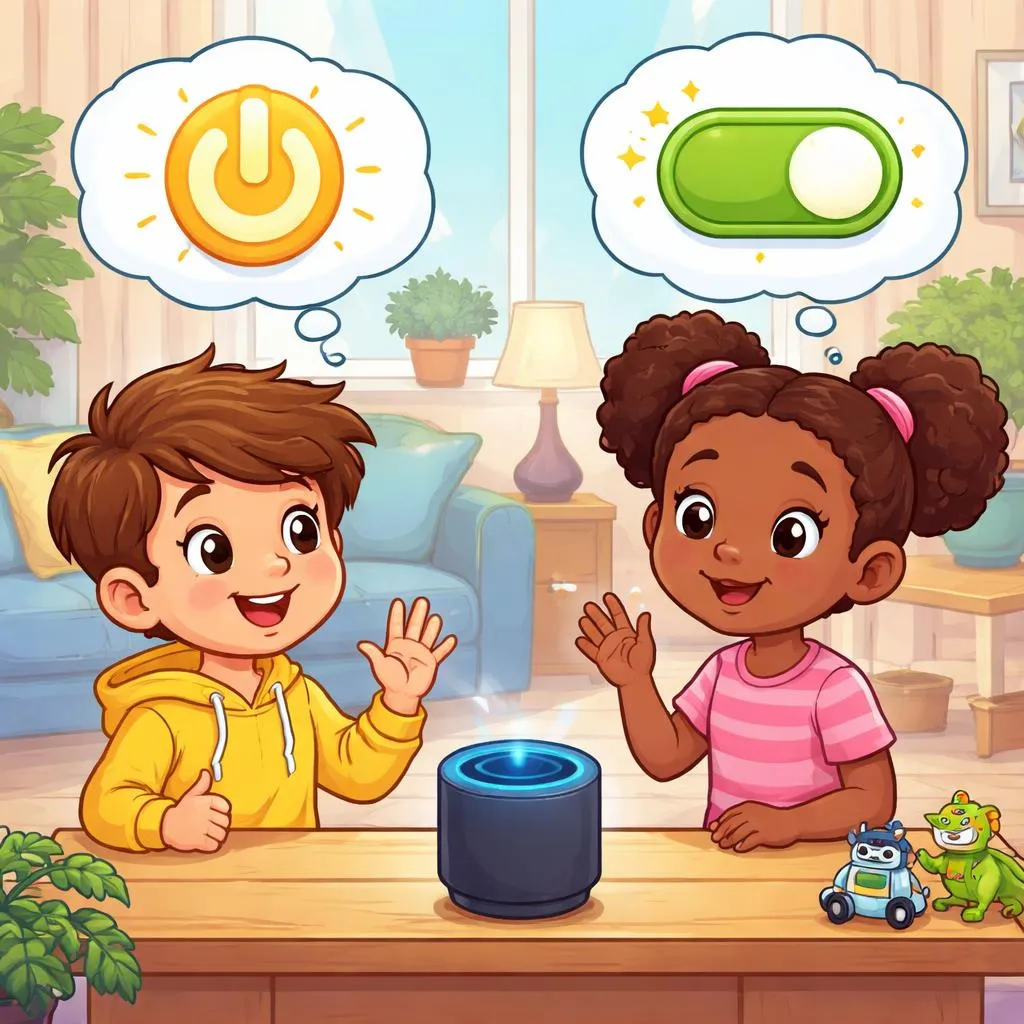

Children live with devices. Lights, tablets, fans, TVs. Two common phrases start machines. “Turn on” and “Switch on.” Both mean “make something start working.” But one is more common today. One is older. Parents and kids can learn together. Knowing how to start devices is a life skill. The right words tell someone exactly what to do. Let us explore these two activation expressions.
What Do These Expressions Mean? “Turn on” means “make a device start working.” The word “turn” comes from old radios and faucets that you turned. Now it means any kind of starting.
For a child, think of turning a door handle. “Turn on” says “Do that motion or press the button to make it work.”
“Switch on” also means “make a device start working.” It comes from physical switches. You flip a switch up to start. It is more specific to switches.
For a child, think of a light switch on the wall. “Switch on” says “Flip that switch up to make the light come on.” Both phrases mean to start a device. Both say “make it work.” They seem similar because people use both for turning on lights and electronics. Yet one is general. One is specific to switches.
What’s the Difference? The main difference is specificity. “Turn on” is general. It works for any device. Lights, TVs, computers, fans, water. “Switch on” is specific. It means using a physical switch. A light switch. A power switch on a device.
Another difference is commonness. “Turn on” is much more common today. “Switch on” sounds a little old-fashioned or very precise. People say “turn on the TV,” not “switch on the TV.”
One more difference is objects. “Turn on” can be used for water or faucets. “Turn on the faucet.” “Switch on” does not work for water.
Also, “switch on” emphasizes the action of flipping a switch. “Turn on” can be pushing a button, turning a knob, or flipping a switch.
Teach children that both start devices. One is general. One is for switches.
When Do We Use Each One? Use “Turn on” for most devices. “Turn on the light.” “Turn on the TV.” “Turn on the computer.” “Turn on the fan.”
Use “Turn on” for water and faucets. “Turn on the sink.” “Turn on the hose.” “Switch on” does not work here.
Use “Turn on” for any start action. It is safe and common.
Use “Switch on” when you mean specifically a physical switch. “Switch on the light at the wall.” “Switch on the power strip.” “Switch on the lamp.” This is precise.
Use “Switch on” for old devices with switches. “Switch on the radio.” “Switch on the heater.”
Use “Switch on” in instructions that require flipping a switch. “To start, switch on the main power.”
Parents can model both. Say “turn on” for most things. Say “switch on” when a switch is involved.
Example Sentences for Kids Here are simple sentences children can say.
Turn on:
Turn on the light so I can see.
Can you turn on the TV for me?
Turn on the water to wash your hands.
I turned on the computer to play a game.
Please turn on the fan. It is hot.
Switch on:
Switch on the lamp by the bed.
He switched on the flashlight.
Switch on the power before using the tool.
Please switch on the light at the wall.
The robot starts when you switch it on.
Read these aloud. Notice how “turn on” works for almost everything. Notice how “switch on” is for actual switches.
Common Mistakes to Avoid Children make mistakes with these phrases. Here are common errors.
Mistake 1: Using “switch on” for water. “Switch on the faucet” is wrong. Faucets do not have switches. Correct: Say “Turn on the faucet.”
Mistake 2: Using “turn on” for a very old device with a switch. “Turn on the old radio” is fine. But “switch on” is more precise. Not a big mistake. Correct: Either is fine. “Switch on” is more accurate for switches.
Mistake 3: Forgetting the word “on.” “Turn the light” means something else. “Turn” alone changes direction. Correct: Always say “turn ON.”
Mistake 4: Using “switch on” as a noun. “The switch on button” is wrong. “The on switch” is correct. Correct: “Switch on” is a verb. “On switch” is a noun.
Mistake 5: Not knowing which devices have switches. Teach children: A light switch = switch on. A TV remote = turn on. A button = turn on. Correct: If it flips, say “switch on.” If it pushes, says “turn on.”
Easy Memory Tips Here are simple memory tricks.
Memory tip 1: Think of a knob and a paddle. “Turn on” is a knob. You turn it. “Switch on” is a paddle switch. You flip it.
Memory tip 2: Use your hands. Twist your hand like turning a knob for “turn on.” Flip your hand up like flipping a switch for “switch on.”
Memory tip 3: Ask “is there a switch?” If yes, you can say “switch on.” If no (faucet, button, remote), say “turn on.”
Memory tip 4: Draw two pictures. A hand turning a round knob = “turn on.” A hand flipping a wall switch = “switch on.”
Memory tip 5: Use the “water test.” If it controls water, say “turn on.” If it controls electricity with a switch, “switch on” works.
Practice these tips at home. Look at lights, faucets, and devices.
Quick Practice Time Try these exercises. Parents read aloud. Children answer.
Exercise 1: Choose the best phrase.
You want your child to start the water in the sink. Do you say: a) Turn on the water b) Switch on the water
There is a lamp with a wall switch. You want the light. Do you say: a) Turn on the lamp b) Switch on the lamp
You want to start the TV using a remote. Do you say: a) Turn on the TV b) Switch on the TV
Answers: 1(a), 2(a or b — both fine, “switch on” is more precise), 3(a)
Exercise 2: Fill in the blank.
“Please __________ the radio. I want to hear the news.” (general, common)
“__________ the power strip before plugging in the computer.” (specific, using a switch)
Answers: 1. turn on, 2. Switch on
Bonus: Play the “Switch or Not” game. Walk around your home. Point to a light switch. Ask “Do we turn this on or switch it on?” (Both, but “switch on” is precise). Point to a faucet. “Turn on or switch on?” (Only turn on). Point to a button on a remote. “Turn on or switch on?” (Turn on). Learn which devices have switches.
Wrap-up Use “turn on” for most devices, including water, lights with buttons, and electronics. Use “switch on” when you mean specifically using a physical switch that flips up or down. Both mean to start something. One is general and common. One is precise for switches. Teach children that starting a device safely means knowing the right words. Turn on the light to read. Switch on the fan to cool down. Power brings possibility. Use it wisely.