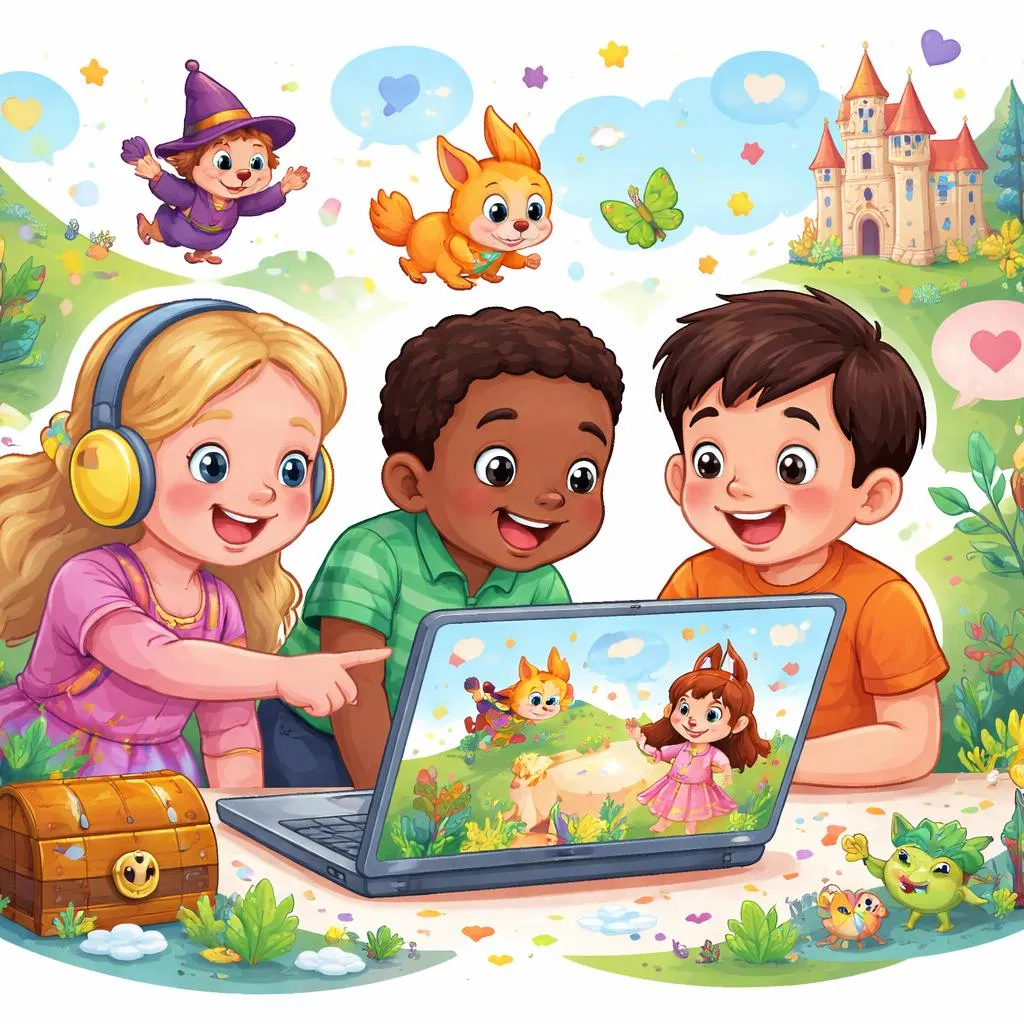

The digital landscape offers new possibilities for language instruction. Traditional books remain valuable. Online materials provide additional dimensions. Children's short stories online combine text with audio and visual elements. This multimodal approach supports different learning styles. This article explores practical teaching applications for digital story materials. The focus remains on classroom strategies. Let us examine how online stories support English development.
What Are Children's Short Stories Online? Children's short stories online are brief narratives available through digital platforms. These stories appear on websites, educational apps, and video platforms. The formats vary widely. Some sites offer text with illustrations. Others provide animated versions with narration. Many include interactive features.
The digital format offers advantages over print alone. Readers can control pace. They can replay sections. Many platforms include pronunciation support. Some stories offer translations or vocabulary definitions. The multimedia elements engage different senses simultaneously. This combination strengthens memory formation. Young learners encounter language through reading, hearing, and seeing all at once.
Meaning and Explanation of Digital Story Benefits The meaning of children's short stories online extends beyond the text itself. Digital delivery changes how learners interact with language. The availability of audio supports listening development. Students hear proper pronunciation while seeing the words. This simultaneous input strengthens neural connections.
The interactive nature of digital stories increases engagement. Many platforms include clickable elements. Students can select words for definitions. They can control animation speed. This agency keeps attention focused. Engaged learners process language more deeply than passive recipients.
Accessibility represents another important dimension. Online stories remain available anytime. Students can revisit favorites independently. This repeated exposure builds familiarity. The language becomes part of their permanent mental library through multiple encounters.
Categories of Online Story Resources Different categories of children's short stories online serve different teaching purposes. Free story websites form one major category. These sites offer collections organized by reading level and topic. Teachers can search for specific themes or vocabulary targets.
Video story channels represent another important category. Animated stories on platforms like YouTube combine narration with visual support. The visuals provide context for unfamiliar words. Pause features allow vocabulary discussion during viewing.
Interactive story apps offer the most engaging option. These applications include games and activities alongside the text. Students make choices that affect the story. This interactivity creates investment in the narrative. The language becomes personally relevant through choice.
Audio story platforms provide listening-focused options. Students hear professional narration without visual distraction. This develops pure listening comprehension. The imagination creates images from the words alone.
Daily Life Examples in Online Stories Children's short stories online cover the same range of topics as print collections. Everyday situations appear frequently. Stories about school, family, and friends connect to children's experiences. The digital format adds relevance through familiar technology.
Consider a story about a child using a computer. The character might search for information or play educational games. Students recognize this activity. They understand the context immediately. The vocabulary about technology becomes personally meaningful.
Stories about communication appear often in online collections. Characters send messages or make video calls. These narratives reflect modern life. Students encounter language for discussing their own digital experiences.
Printable Flashcards from Online Stories Digital stories provide excellent material for creating physical learning tools. After reading a children's short stories online, select key vocabulary. Create printable flashcards for offline reinforcement. This combination of digital input and physical practice strengthens memory.
For story-specific vocabulary, include images from the online version. Students connect the printed card to the digital experience. The emotional engagement with the story transfers to the flashcard activity.
Character flashcards help students remember story roles. Create cards showing each character with their name and a key quote. Students can sequence characters according to story events. This builds comprehension of narrative structure.
Action flashcards capture important story events. Draw or print simple representations of key actions. Students can arrange these in story order. This reinforces understanding of plot progression.
Learning Activities with Online Stories Several activities maximize the teaching potential of children's short stories online. Shared viewing with strategic pausing offers one effective approach. Watch a story together. Pause at key moments for prediction questions. "What will happen next?" This builds inferential skills.
Listening without visuals develops auditory comprehension. Play the audio only version of an online story. Ask students to draw what they imagine. Compare drawings after revealing the actual illustrations. This builds visualization skills essential for reading comprehension.
Story mapping transfers digital content to physical understanding. After viewing, create a large story map on paper. Identify characters, setting, problem, and solution. This organizes the narrative in concrete form.
Vocabulary hunting turns reading into an active search. Assign specific words to find during the story. Students raise hands or note each occurrence. This builds word recognition skills.
Grammar Patterns Found in Online Stories Children's short stories online contain the same grammar patterns as print versions. Past tense dominates narrative sections. "The boy walked into the forest." Students encounter regular and irregular forms naturally.
Dialogue introduces question forms and exclamations. "Where are you going?" "What a surprise!" Students see how punctuation marks speech in written form. The visual presentation supports understanding of dialogue structure.
Comparative language describes characters and situations. "Bigger than," "faster than," "more beautiful than" appear in descriptive passages. The visual elements in online stories make these comparisons immediately clear.
Connectives organize story progression. "First," "then," "next," "finally" structure the narrative. Students absorb these sequence markers through repeated exposure.
Educational Games for Online Story Learning Games extend the value of children's short stories online beyond viewing time. Story sequencing games work well with digital content. Provide screenshots from the story in mixed order. Students arrange them correctly. This builds comprehension of narrative flow.
Character matching games reinforce understanding of story roles. Create cards with character names and cards with character actions. Students match each character to their correct action. This builds comprehension of who does what.
Vocabulary bingo uses story words. Create cards with key vocabulary. Read definitions or show pictures. Students mark matching words. The game format encourages attention to word meanings.
Story retelling races build speaking skills. After viewing, students work in pairs to retell the story. One student starts. The other continues. This builds narrative language and cooperation.
Printable Materials for Online Story Lessons Printable materials support structured learning alongside children's short stories online. Story summary templates guide comprehension. Provide simple forms with spaces for characters, setting, problem, and solution. Students complete after viewing.
Fill-in-the-blank passages work for vocabulary review. Remove key words from a story summary. Provide a word bank. Students choose correct words to complete the text. This checks understanding of word meaning in context.
Comic strip templates allow story retelling. Provide blank panels. Students draw key scenes and add simple dialogue. This combines artistic expression with language production.
Word searches using story vocabulary provide independent review time. Include character names and key nouns from recent stories. The puzzle format feels like play while reinforcing word recognition.
Technology Integration Tips Effective use of children's short stories online requires thoughtful technology integration. Preview all content before classroom use. Verify appropriateness and accessibility. Check that audio and video function properly on available devices.
Establish viewing routines that maximize learning. Watch once for enjoyment. Watch again for comprehension. Watch a third time for language focus. This repeated exposure builds familiarity without pressure.
Balance screen time with offline activities. Follow digital stories with physical games or printable worksheets. This combination supports different learning modalities. It also provides variety in the lesson structure.
Encourage home access when possible. Share links with families. Suggest discussion questions for home viewing. This extends learning beyond classroom walls.
The integration of online stories into language teaching provides rich opportunities for engagement. The multimedia format appeals to digital native learners. The combination of text, audio, and visual elements supports multiple learning pathways. Children's short stories online offer accessibility that print alone cannot match. Stories become available anytime, anywhere. This availability increases exposure to English. Increased exposure leads to natural language acquisition. The digital format transforms story time into an interactive language experience.